Build Roblox games
by just chatting
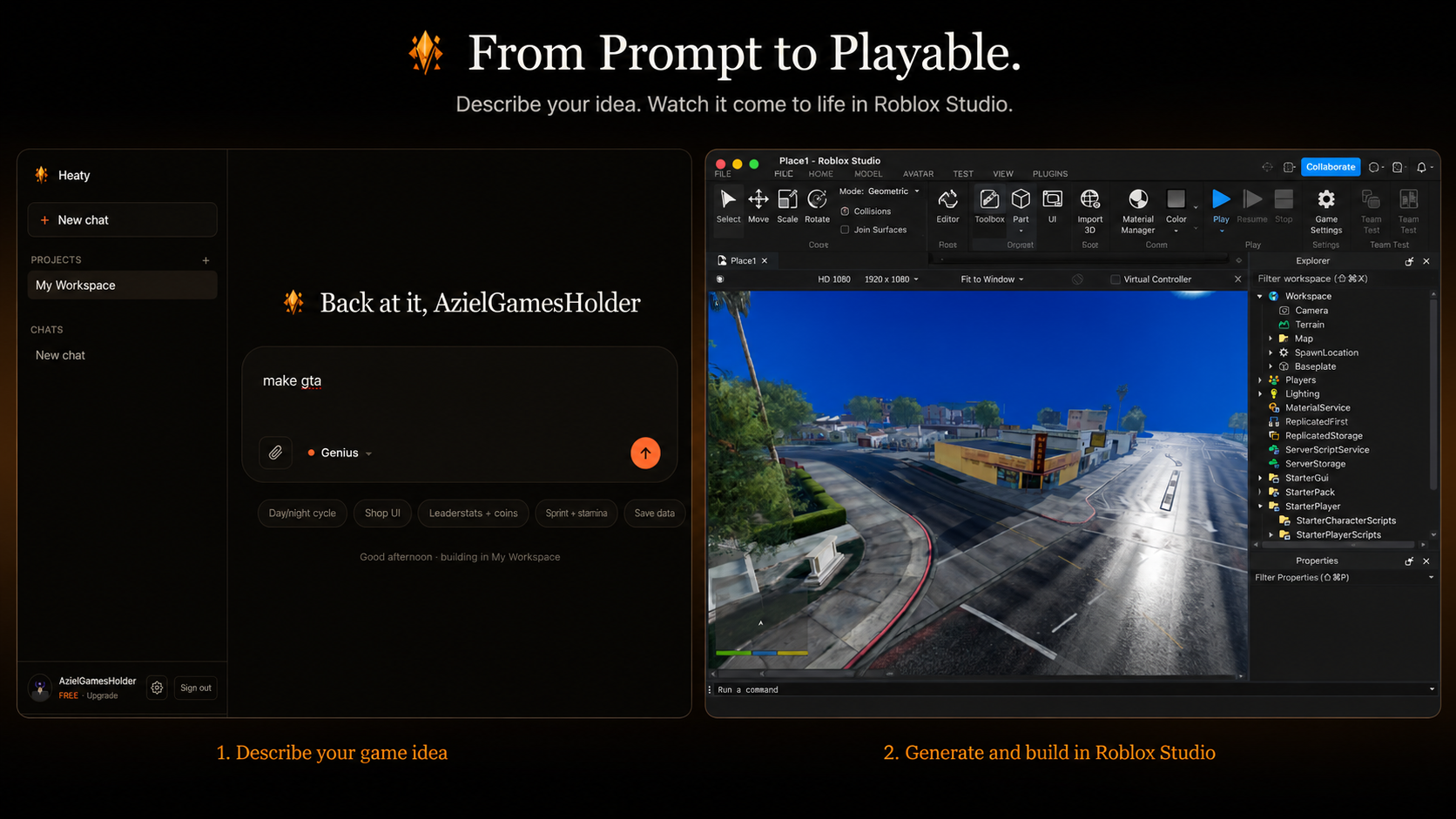
Describe what you want in plain English. Heaty writes the Luau and builds it straight into your open Roblox Studio session — scripts, UI, parts and effects, all in seconds.
No setup beyond a one-time Studio pairing · Undo anything with Ctrl-Z
From idea to in-game in three steps
Pair Studio once
Install the Heaty plugin and paste a short pairing code. It reconnects automatically every time you open Studio.
Describe what you want
“Add a shop UI for the inventory system.” Pick an engine — Fast, Smart or Genius — and hit send.
Watch it appear
Heaty writes the Luau and builds the parts, UI and VFX straight into your open session. Don't like it? Ctrl-Z.
Everything you need to build, faster
Heaty handles the grunt work so you can focus on the fun part — your game.
Chat to game
Plain-English prompts become working Luau. No boilerplate, no copy-paste.
Real instances, not just code
Parts, GUIs, particles and sounds are built as actual Studio objects — not spawned at runtime.
Straight into Studio
Changes apply live through the plugin the moment you send. Nothing to download.
Fast · Smart · Genius
Pick the engine for the job, from quick edits to deep, complex systems.
Best-practice by default
Server-authoritative logic, no deprecated APIs, ProfileStore for every save.
Undo anything
Every change is one Studio history step. Experiment freely and roll back instantly.
It builds the whole thing, not half of it
Most tools just hand you a script. Heaty creates the real objects too — the part, the ScreenGui, the particle emitter — and wires them up with clean, server-authoritative logic in the right services. You get a feature that actually works on first play.
Try it nowQuestions, answered
Your next game is one prompt away
Open Heaty, pair Studio, and start building. It's free to try.
Start building free